Show exactly what you mean. Twelve tools to annotate with, and backdrops.
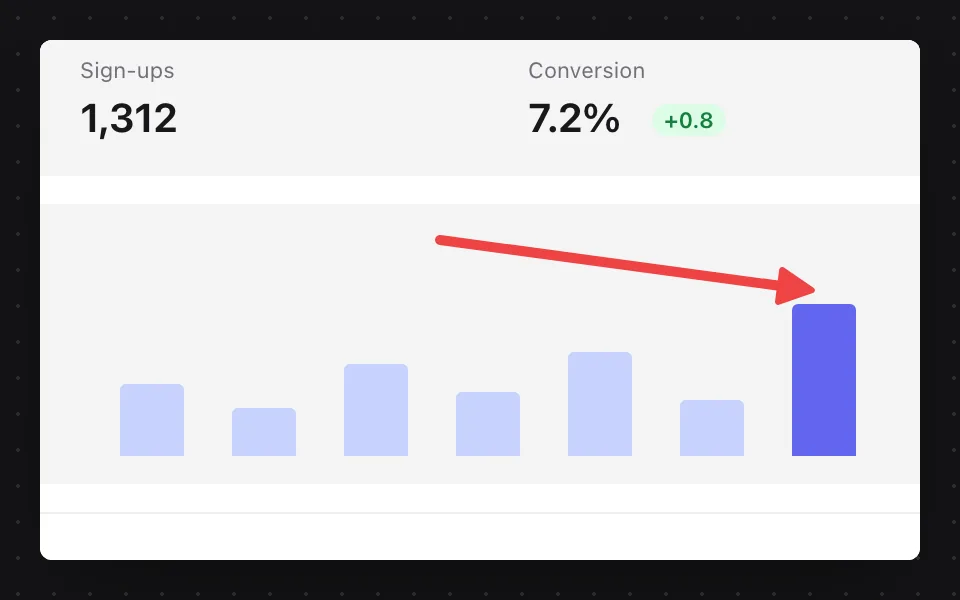
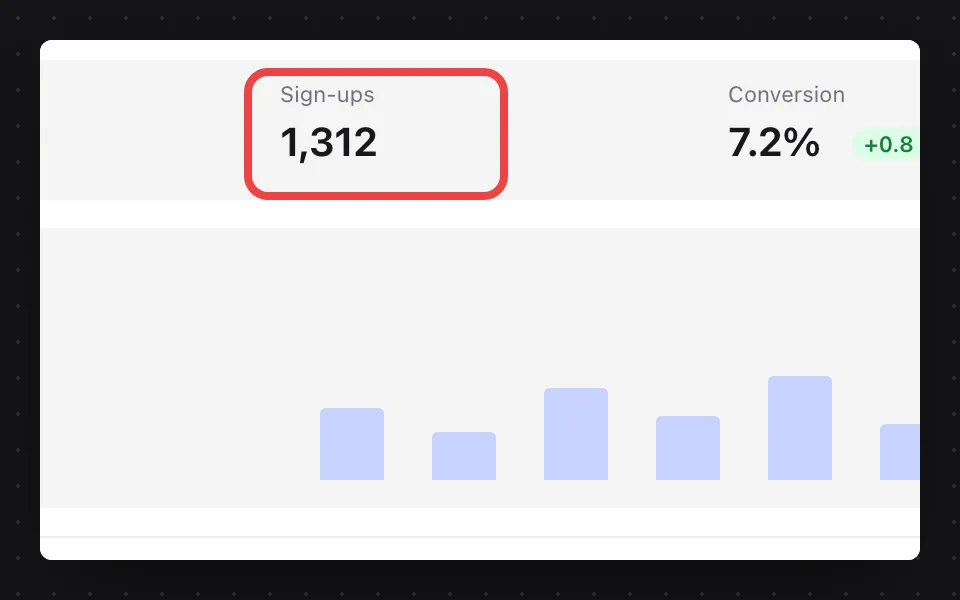
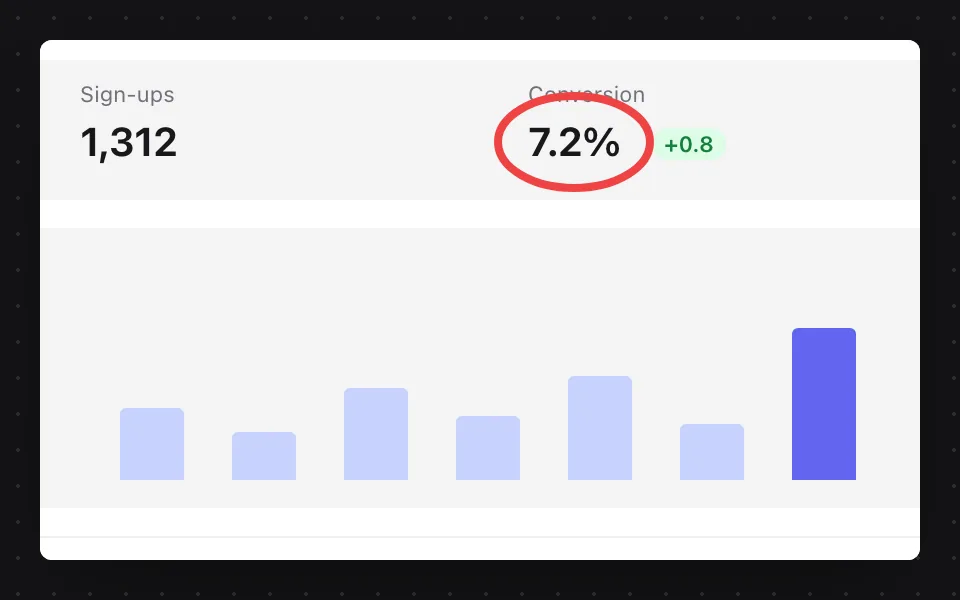
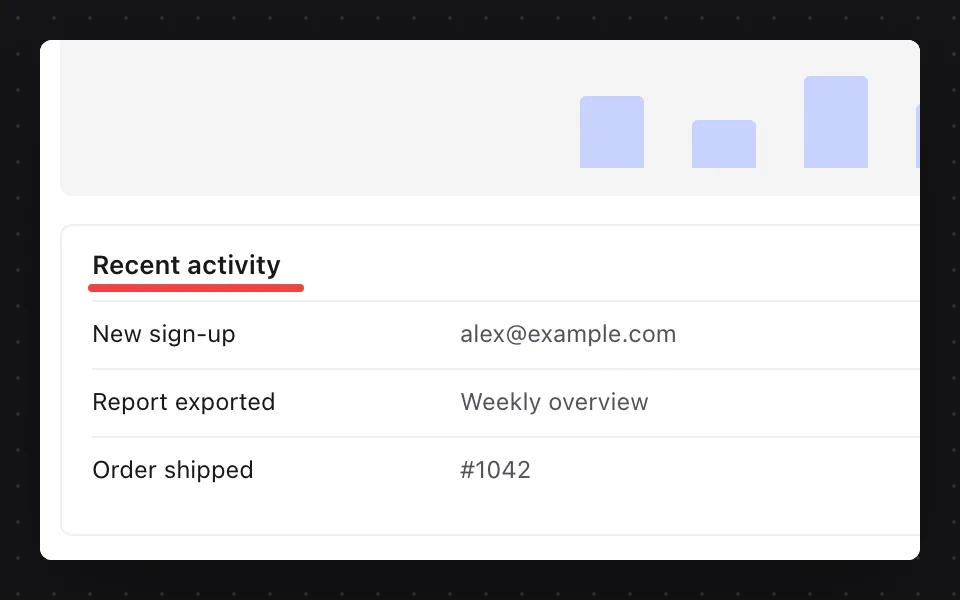
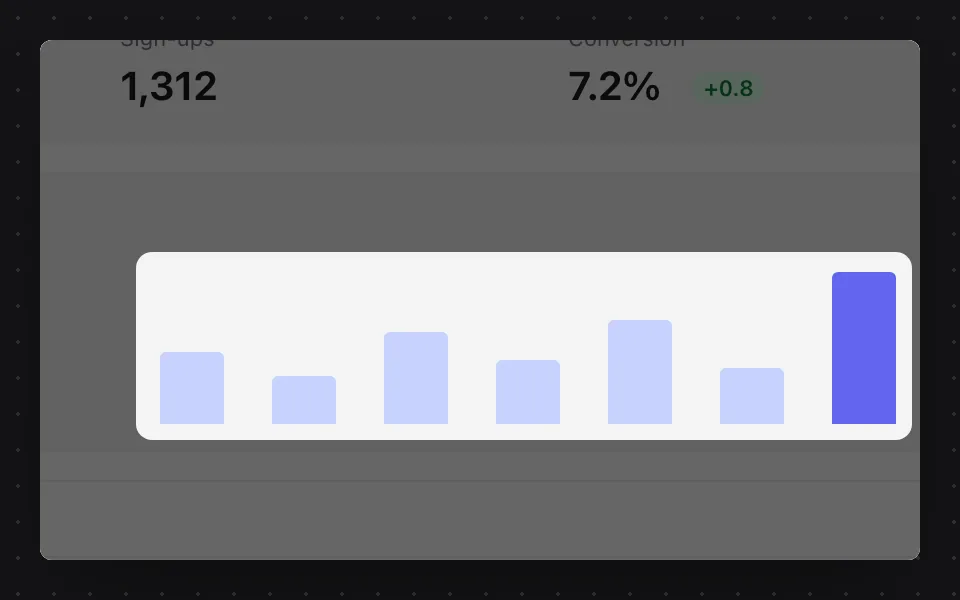
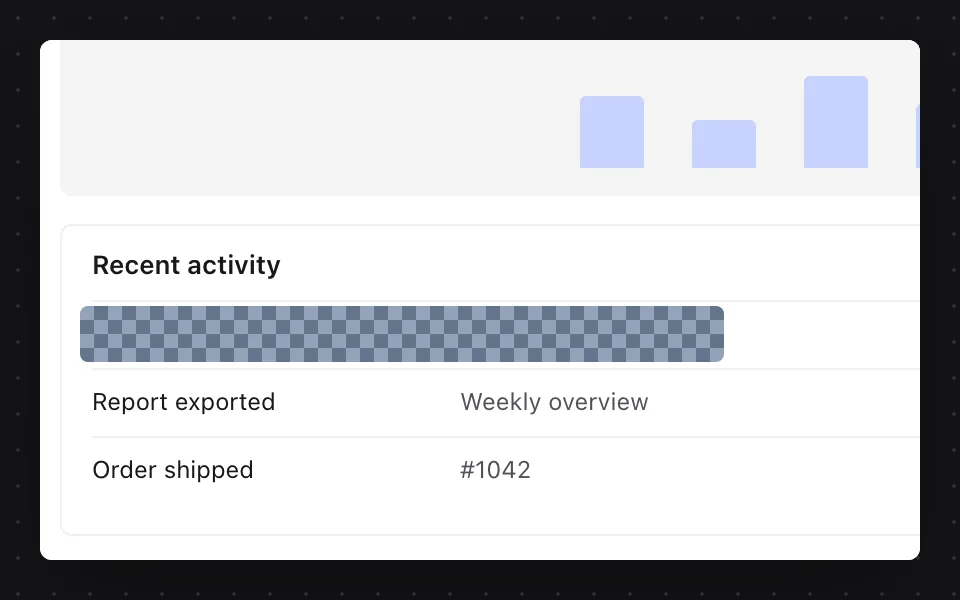
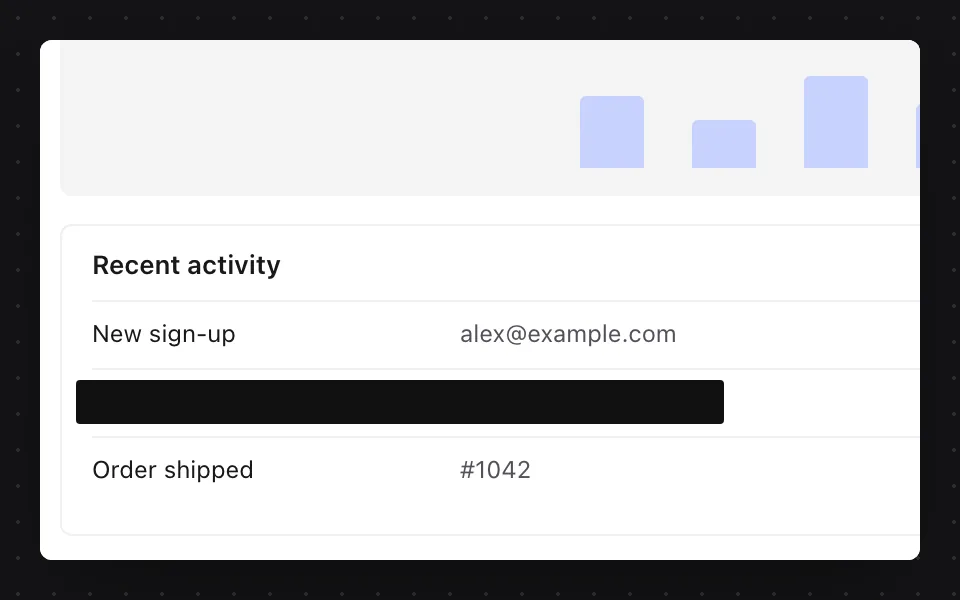
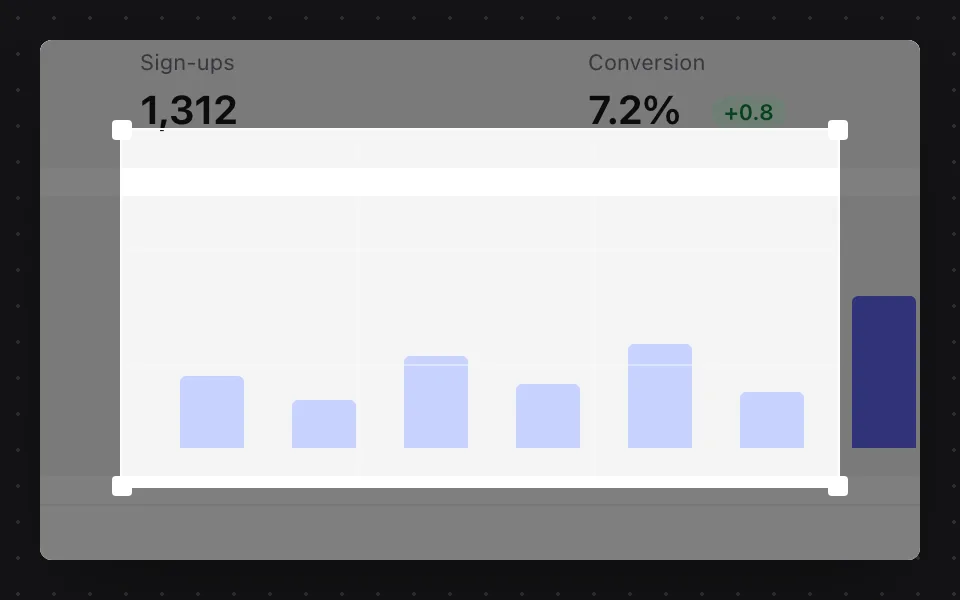
How to annotate a screenshot → How to put a screenshot on a background → How to hide or blur part of a screenshot →
Copy the words, not the picture.
Press ⌘⇧0 and drag over any text on your screen: a web page, a PDF, an error message, a paused video. The words are on your clipboard, ready to paste.
Tables keep their columns.
Paste into a spreadsheet and each column lands in its own cell.Read on your computer.
Nothing is uploaded. It works with no internet at all.Copy text in the editor.
Mark a capture up first. Anything you redact stays out.Show it. Don't type it.
Screen recording, built in: any part of your screen, with sound. Press stop and the video is saved and open, ready to watch or share like a screenshot.
Skip the attachment. Send a link.
One click uploads the screenshot to storage you own and puts the share link on your clipboard. Or just copy the picture and paste it. Both work.
How to share a screenshot as a link →Your own web address.
Cloudflare R2, Amazon S3 or Backblaze B2, on your own web address.Names no one can guess.
Every file gets a random name, so your other captures cannot be found by guessing.The link, already copied.
Upload after every capture, and the link replaces the picture on your clipboard.Your key stays with you.
It lives in your Mac's keychain or Windows' Credential Manager, never in a file and never with us.Small things, done right.
The whole screen.
Screen capture of the display under your pointer, no dragging.A timer for menus.
Five seconds by default, one to sixty, for things that close when you click away.The same spot again.
One key repeats your last selection, for before and after shots.Pointer, or not.
Your call, in Settings.Shortcuts you choose.
VizShot tells you if another app already has one.Every capture, one window.
Edit, copy or show any recent capture, or drag one into a chat, an email or a doc.Your format, your file names.
PNG or JPEG, your own file names, and smaller files from a Retina screen if you want them.Mac and Windows, one key.
It works on two of your computers, any mix.Free updates.
On a Mac the app updates itself. On Windows the Microsoft Store does.The screenshot app for Mac → The screenshot app for Windows →
 Neel Gajjar Maker of VizShot
Good tools disappear into the way you work.
Taking a screenshot should feel like a reflex. Press the keys, drag, done.
And when you need more, everything should be where you expect it. An arrow. A redaction. A quick edit. A link to share. No hunting through menus. No stopping to figure out the tool.
A few days in, your hands just know.
That's the experience I'm building VizShot around. From the first shortcut to the final share, every interaction should feel fast, obvious and considered. The same familiar experience, whether you're on a Mac or a PC.
That also means knowing what not to build.
VizShot doesn't need a hundred tools. It needs the right ones, made exceptionally well. Nothing gets added just to make the feature list longer. It gets added when it makes the experience better, and when it feels as smooth as everything around it.
Because the little things matter. Especially the ones you stop noticing.
Write to Neel →Nope. Download it and start using it. We only ask for your email when you buy, so we know where to send your key.
After that, VizShot keeps taking screenshots, but saving, uploading and recording need a key. A key is $8, once, and it covers two computers.
Yes, that's exactly what the key is for. It covers two computers, and it doesn't matter whether they're Macs, PCs or one of each.
Not unless you want share links. Without storage, every capture still saves to your computer and goes to your clipboard.
Yes. Press stop and the video opens, ready to play. One click uploads it to your storage and copies the link, with progress as it goes.
Yes. Press ⌘⇧0 on a Mac, or Ctrl+Shift+0 on Windows, and drag over any text on your screen. The words are on your clipboard, ready to paste. Your computer reads them itself, so nothing's uploaded.
From the Microsoft Store. It's free to install, the Store keeps it up to date, and the key you buy on this site unlocks it.