The first text read on a Mac took 32 seconds
Reading text from a screenshot worked, then hung for half a minute, once. How I found out where the time went, and the one line at launch that hides it.

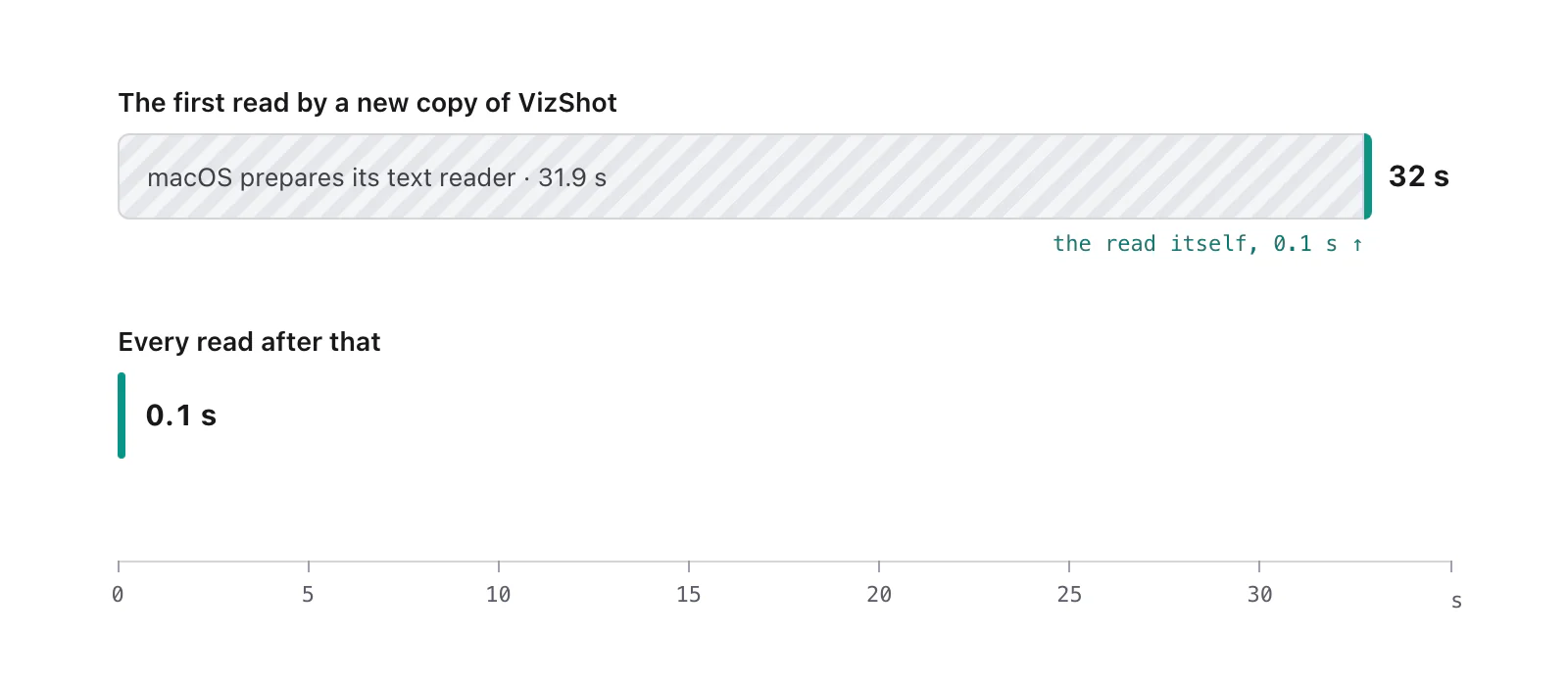
The first time I asked a Mac to read the words in a screenshot, it did nothing for 32 seconds. The second time it took a tenth of a second.
I'll tell you how I found out where the time went, because the answer is useful if you ever build something on Apple's text reader, and because the first thing I believed was wrong.
What I was building
VizShot 1.0 can copy the text on your screen: you drag over some words and they go on your clipboard. On a Mac that's done by Vision, the reader that comes with macOS, so nothing is downloaded and nothing leaves the computer. The Windows version uses Windows' own reader. The code that asks for the read is short.
What it looked like
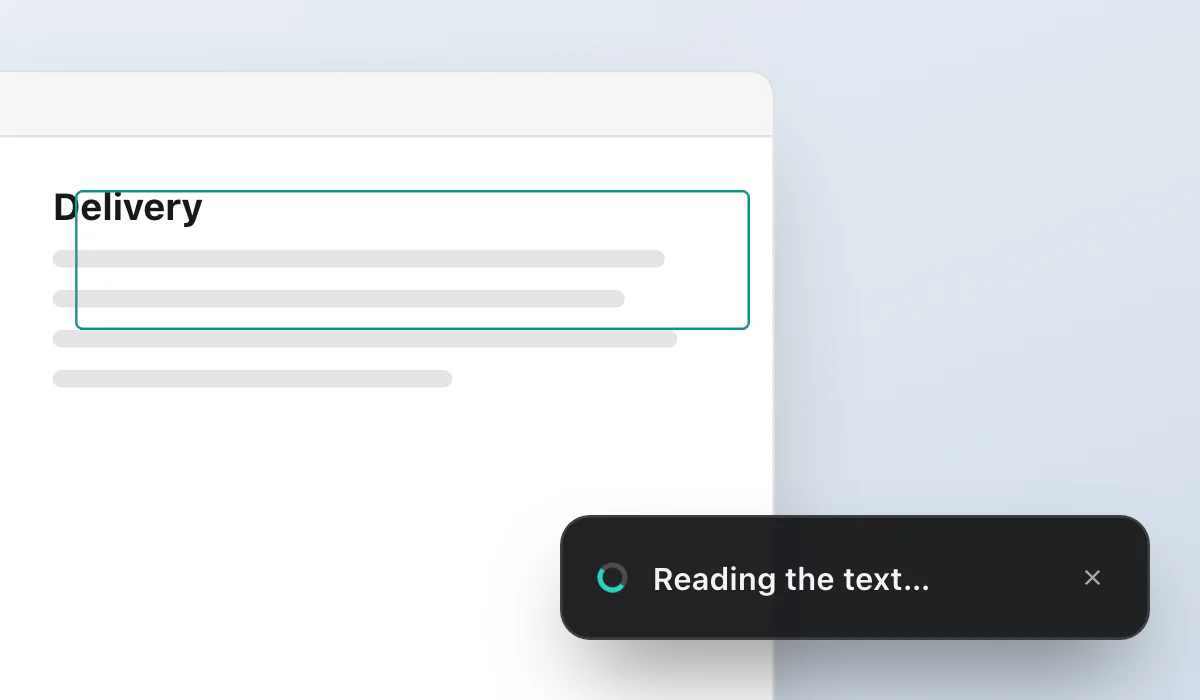
A read that comes back at once is fine. This one didn't come back. You drag over a paragraph, and for half a minute there is no card, no text and no error. Then the words are on the clipboard. Try again, and it's instant.
A wait that long, once, looks exactly like a deadlock. This app has had its share of those, so that was the first suspect.
Where the time went
When a program is stuck and you don't know why, the most honest tool a Mac has is sample. You give it the process ID and it looks at what every thread is doing, a few hundred times a second, for a few seconds, then prints the call stacks that came up most. I ran it while the read was waiting.
The stack that came up, almost every time, ended in something called _ANEClient compileModel. ANE is the Apple Neural Engine. Nothing in my code was slow. The program was waiting inside the system while macOS compiled the reader's model for the Neural Engine.
Here's what I saw after that, from running it over and over:
It happens once for each program name. A different name, a different first read.
Every later read, in every later run of the app, took about a tenth of a second.
It didn't matter which of the reader's two settings I asked for. Both waited.
A second read started while the first was waiting waited behind it. There was no quicker way round it to fall back on.
I couldn't find any of this in Apple's documentation, so treat it as what one person saw, not as a rule. If you know where it's written down, I'd like to read it.
The fix is boring
If the wait happens once per program, the person shouldn't be the one to pay for it. So VizShot starts a read on a background thread as soon as it launches, and throws the answer away. The preparation happens while the app is starting and nobody is looking.
The app writes one line to its log when that finishes:
text reader ready in 31987 msThat's the first run after a new install. Every run after it:
text reader ready in 203 msBy the time you've found the words you want to copy, it's done. If you are quick, and you drag within half a minute of installing a new copy, you'll see the card say "Reading the text…" for what's left of the wait. I decided that was better than pretending it wasn't happening, so the card only appears if the read takes more than 0.4 seconds, and then it says what it's doing and offers a close button.
The part that fooled me twice
Anything built with a new program name pays the wait again. That includes the test programs the Rust toolchain builds. So a test that reads a picture through Vision, in a test program with a name macOS hasn't seen, sits there for half a minute the first time. That isn't a hang. It's this, and the notes I keep for the project now say so, so nobody (me included) spends an afternoon looking for a bug that isn't there.
If you build on Vision, take the sample before you believe in the deadlock. It costs a minute and it shows you the real stack.
Try it
Text capture is in VizShot 1.0 (the release post), and every detail is in the help article Copy text from your screen. VizShot is $8 once, with a 14-day free trial and no account, for Mac and Windows.
Try VizShot free for 14 days. Then $8 once, and one key covers two of your computers.