How to stop screen recording on a Mac

To stop a screen recording on a Mac, click the Stop button in the menu bar, or press CommandControlEsc. Apple's page says either works, whether you started the recording from the Screenshot toolbar or from QuickTime Player.
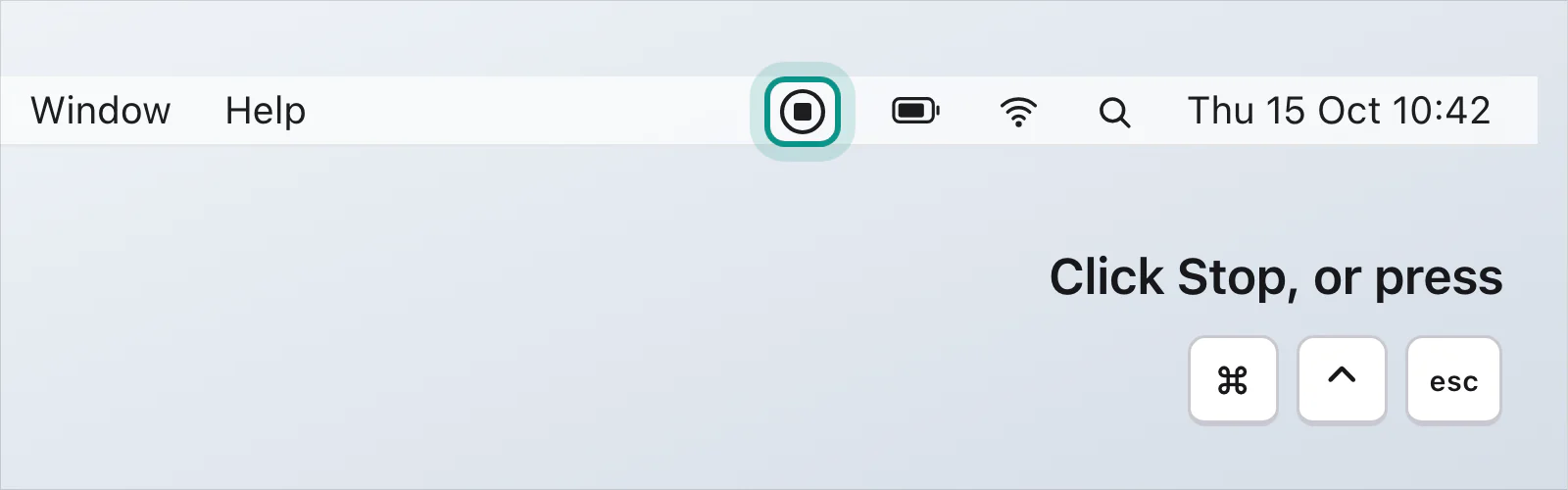
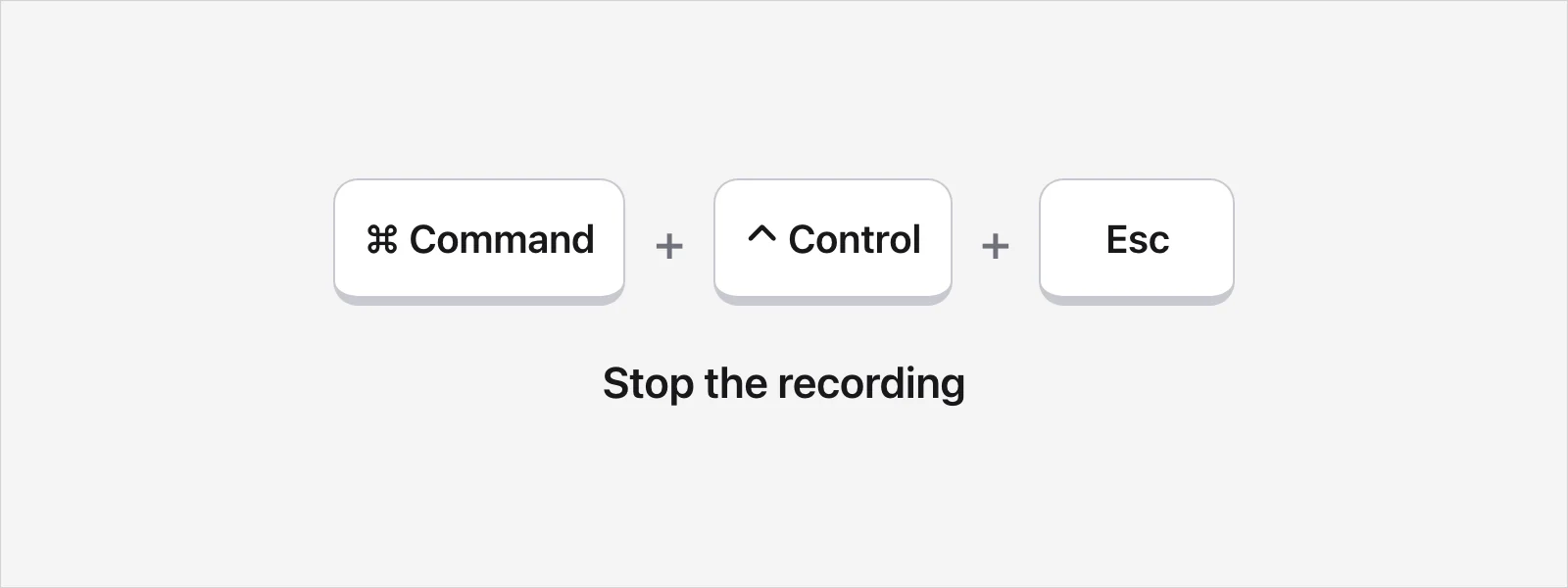
What happens when it stops?
The recording saves by itself. If you see a thumbnail in the corner of the screen, click it to edit the recording, or leave it and the file goes to your desktop. Apple's page says the file is named "Screen Recording" followed by the date and time, and ends in .mov. If you chose a different place under Options in the Screenshot toolbar, it goes there instead. If you started in QuickTime Player's own Screen Recording window, Apple says QuickTime Player opens the recording for you once you stop.
Did you start it by mistake?
If the toolbar is showing and you haven't clicked Record yet, press Esc. Apple's page says that cancels the recording. Once it's running, use the Stop button or Command-Control-Esc.
Which app is recording?
Look at what's on your screen. Apple's page says that if you see the Screenshot toolbar, the Screenshot app is doing the recording, and if you see a separate Screen Recording window, QuickTime Player is. Apple's QuickTime Player guide also says that File › New Screen Recording opens the Screenshot tools. That's worth knowing if you ever have to force quit, because Apple says to select the app that isn't responding.
What if the recording won't stop?
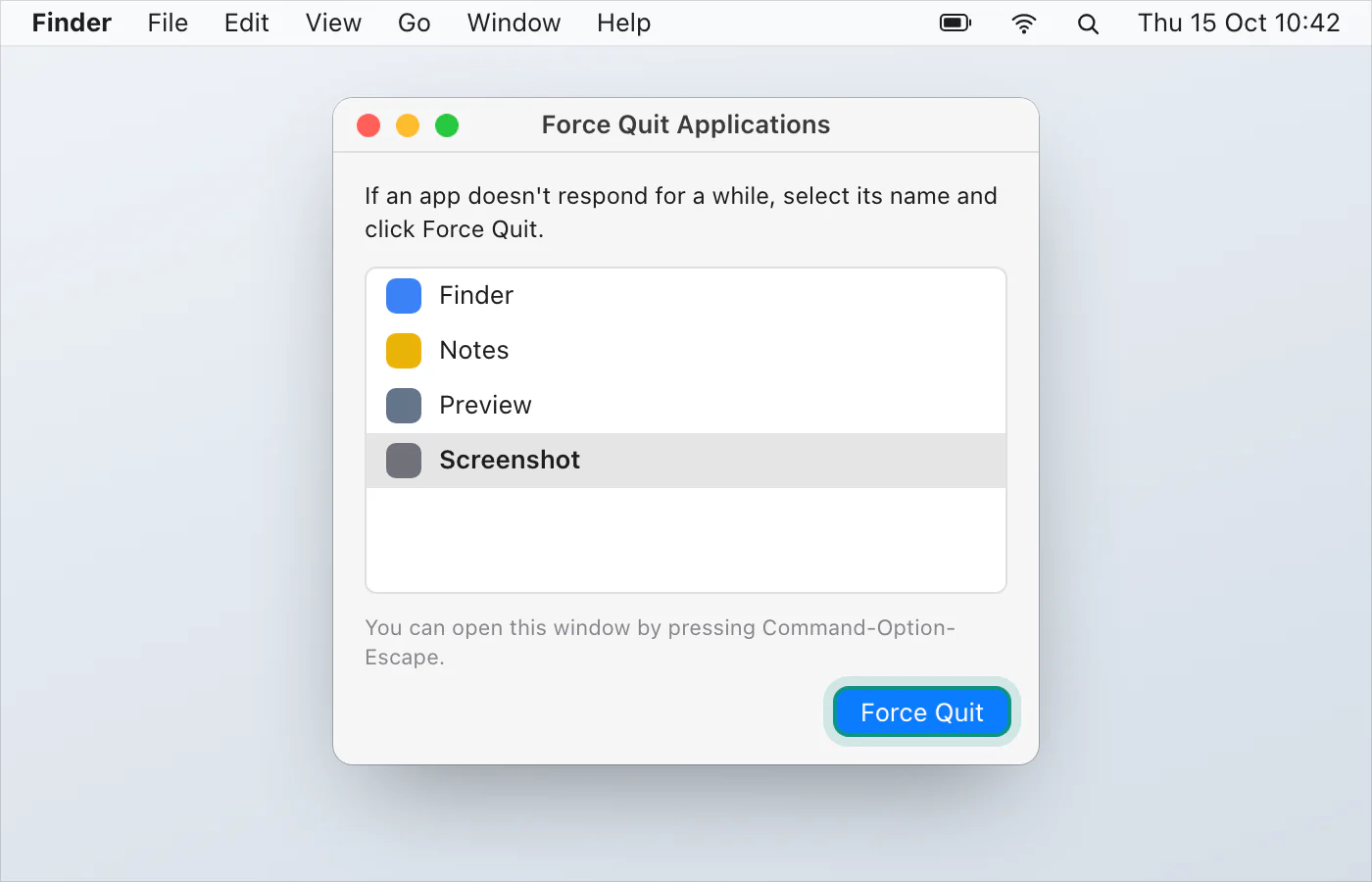
Try both stop methods again first. Apple's pages for recording don't say what to do when neither works, so this is Apple's general advice for an app that has stopped responding, from its page on forcing an app to quit:
Try to quit the app normally. Apple says an app that quits normally can do what it needs to do first, such as save changes. For QuickTime Player that's CommandQ, or Quit in its menu.
Press OptionCommandEsc, or choose Force Quit from the Apple menu. In the Force Quit window, select the unresponsive app and click Force Quit.
If that doesn't work, choose Restart from the Apple menu. If the Mac won't restart, hold the power button for up to 10 seconds until it turns off, then press it again.
Apple's pages don't say which app to choose for a recording that has stopped responding, or whether the recording survives a force quit or a restart, so don't count on it.
Can I pause a Mac screen recording?
Apple's pages for the Screenshot app and QuickTime Player don't list a pause control. Stop the recording, then start a new one.
How do I start one from the keyboard?
Press ShiftCommand5 to open the Screenshot toolbar, choose what to record, then click Record. In QuickTime Player, File › New Screen Recording or ControlCommandN does the same. On macOS Tahoe 26 or later, Apple's page also lists Record Selected Window. Press Esc first if you change your mind. The rest of the toolbar's keys are in Mac screenshot shortcuts, and recording with sound is its own page.
A recording that has its own Stop and Pause
VizShot records on ⌘⇧1, and the same keys stop it. The control bar has Stop and Pause too, and the recording is saved as an MP4. After the 14-day free trial, recording needs a key. Record your screen has the steps, and you can download VizShot.
$8, once, for two computers.
Questions
What's the shortcut to stop a screen recording on a Mac?
CommandControlEsc, according to Apple's page. You can click the Stop button in the menu bar instead.
How do I stop a QuickTime recording?
The same way: the Stop button in the menu bar or Command-Control-Esc. If you see QuickTime Player's own Screen Recording window, Apple says QuickTime Player opens the recording once it stops.
Where does a Mac screen recording go?
From the Screenshot toolbar, to your desktop by default. You can choose another place under Options. Apple's pages say the file is a .mov named for the date and time.
Why is a Mac screen recording a .mov file?
Because that's the format Apple's tools save, according to its Mac User Guide. MOV vs MP4 explains the difference.
Does Esc stop a recording?
Apple's page says Esc cancels a recording before you click Record. Once it's running, use the Stop button or Command-Control-Esc.
Checked against
- Apple: How to record the screen on Mac, read 14 October 2026
- Apple: Record your screen in QuickTime Player on Mac, read 14 October 2026
- Apple: Take screenshots or screen recordings on Mac, read 14 October 2026
- Apple: How to force an app to quit on Mac, read 14 October 2026